What the patch fixes
This page describes each problem the patch fixes: what you see without the patch, what causes it, and what the patch changes. Why the game looked wrong explains the cause these problems share.
Each comparison shows the same view twice. Drag the divider, or use the arrow keys, to compare the two, and select Enlarge to see them at full size. Both sides were taken on Mesa, with the same widescreen patches installed. For the side without the patch, Mesa was set to hide ATI’s fragment shaders, so the game found neither of its shading methods and took the path it takes on a driver that offers neither.
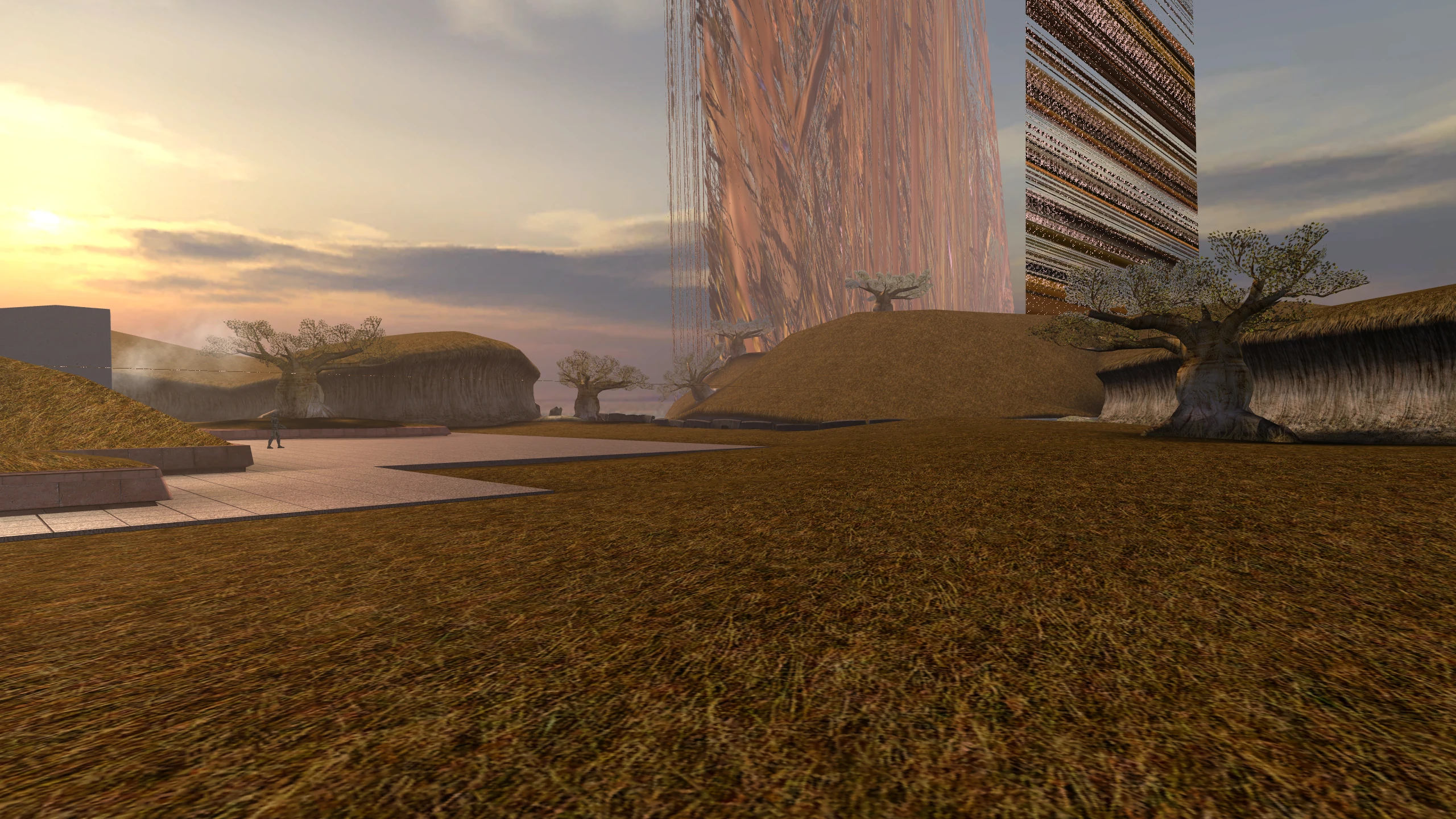
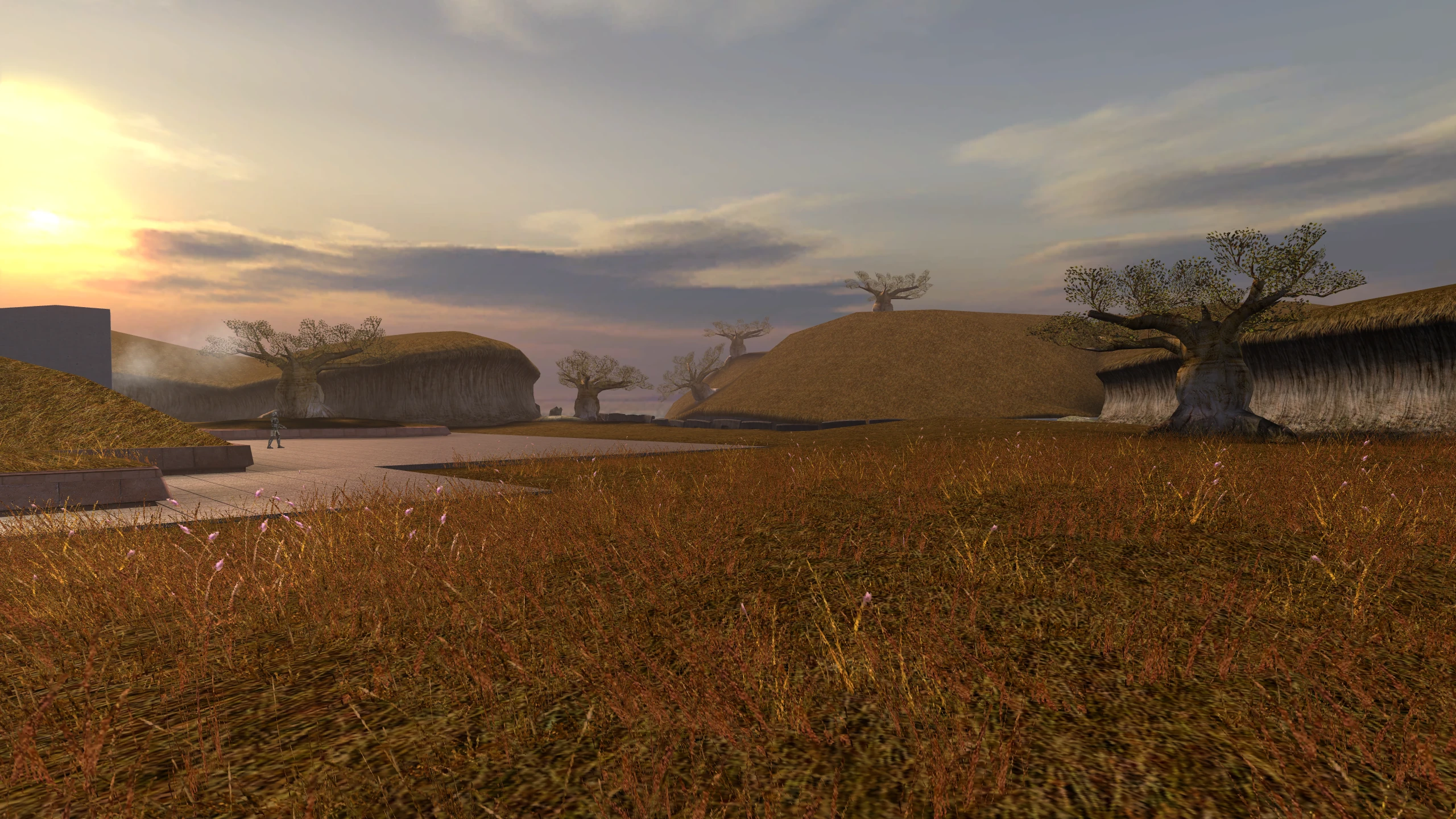
Grass stays on the ground
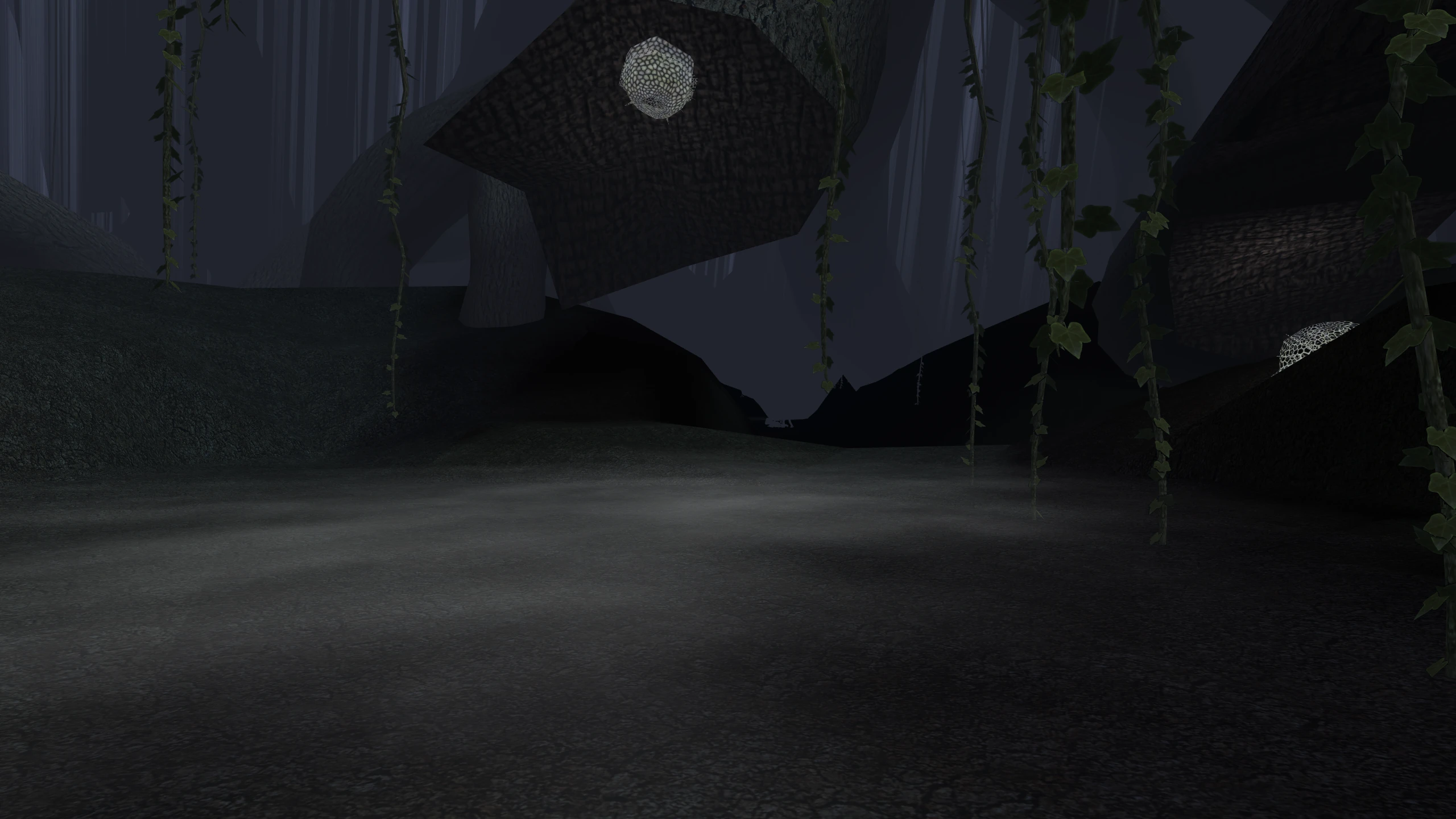
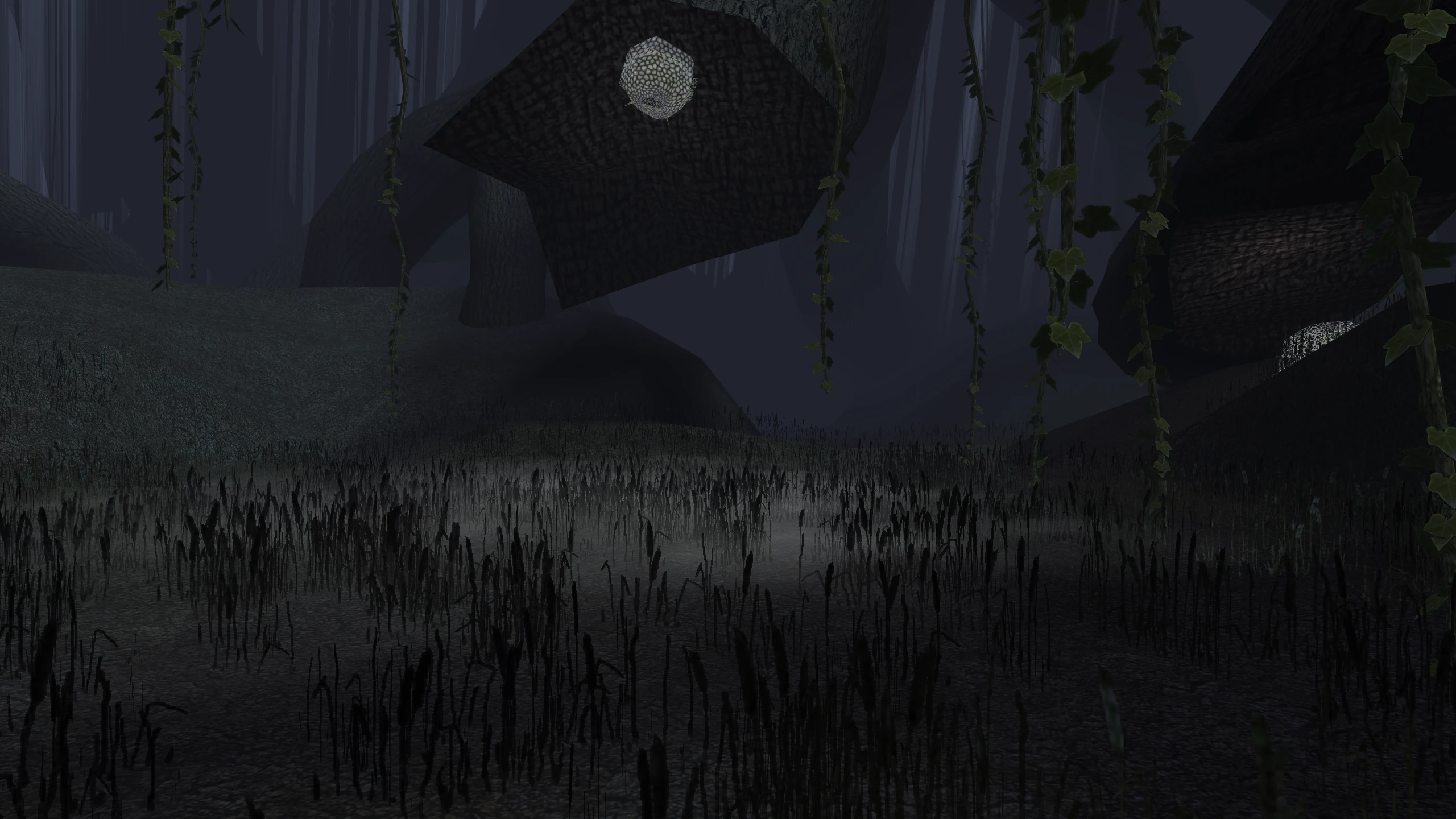
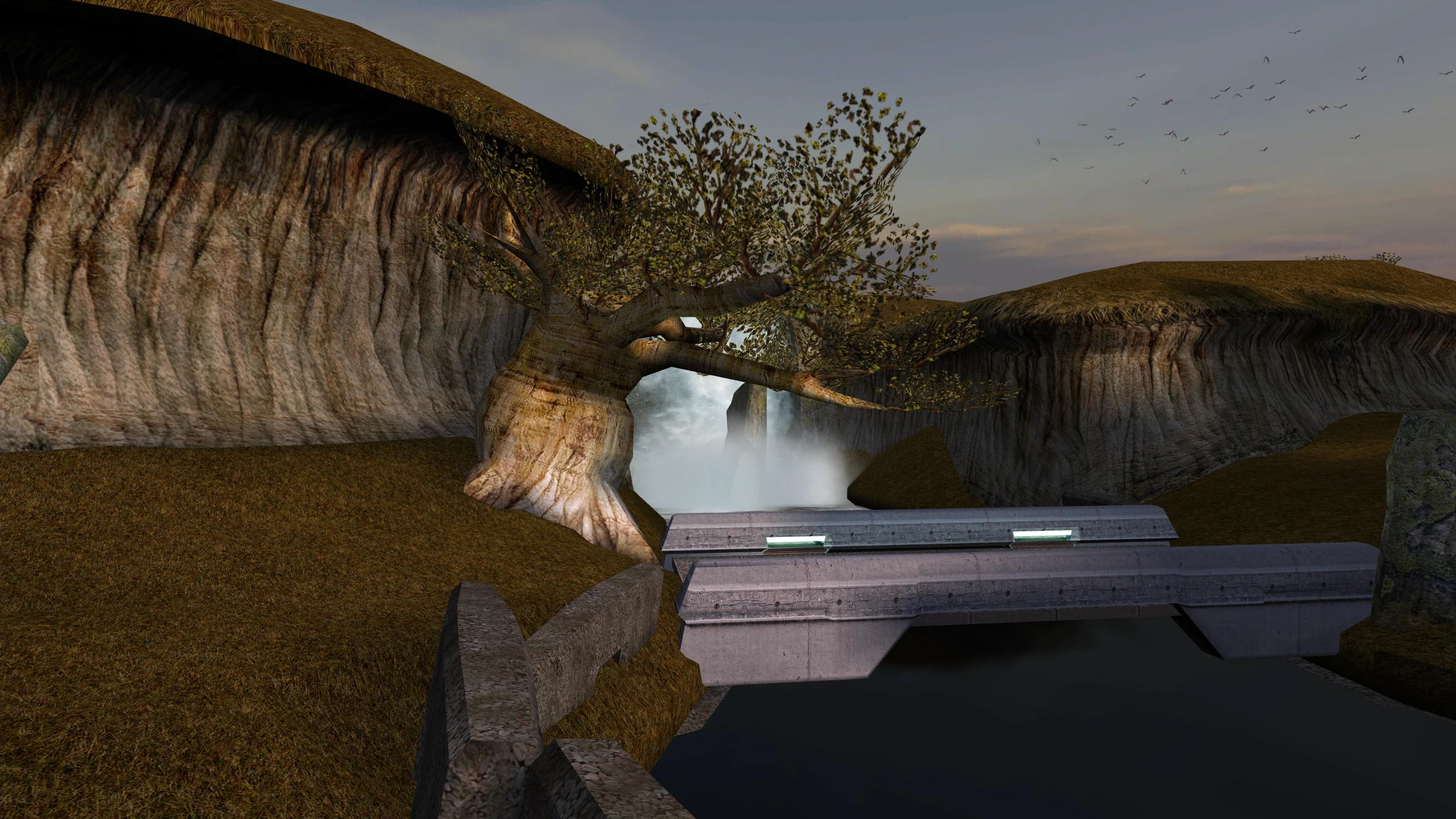
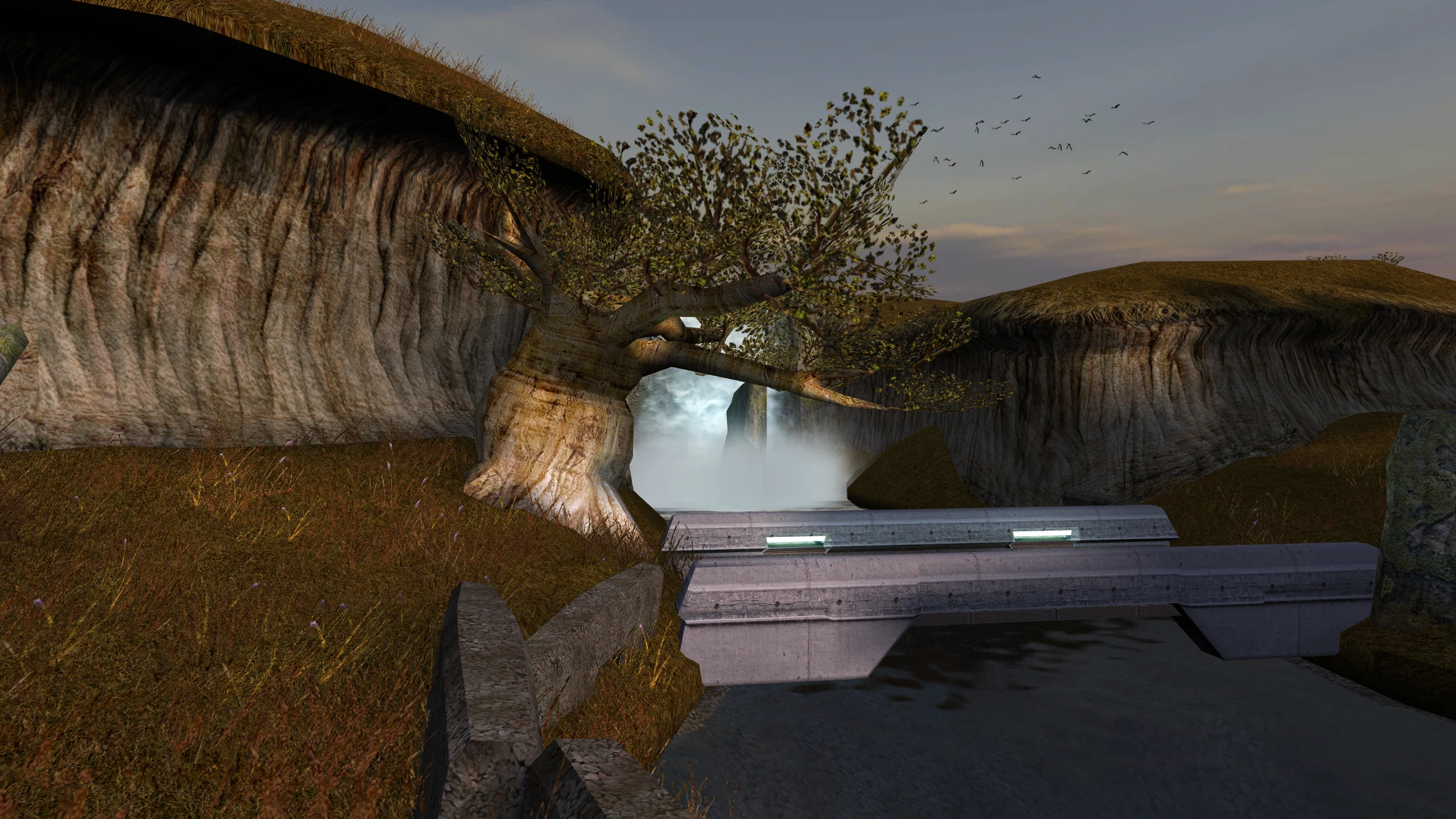
Without the patch: blades of grass stretch from the ground into the sky, in long streaks across the view, or are missing entirely depending on what is in memory.
Cause: the game has three ways to draw grass. Two of them tell the graphics card to read the positions of the blades from the wrong place in memory. On a driver that offers neither of the game’s shading methods, the game uses one of those two.
With the patch: the game uses the third way for textured grass, which reads the right place, so the grass stands on the ground. For the exact cause, see Why the grass breaks.
Lights reach lightmapped walls and floors
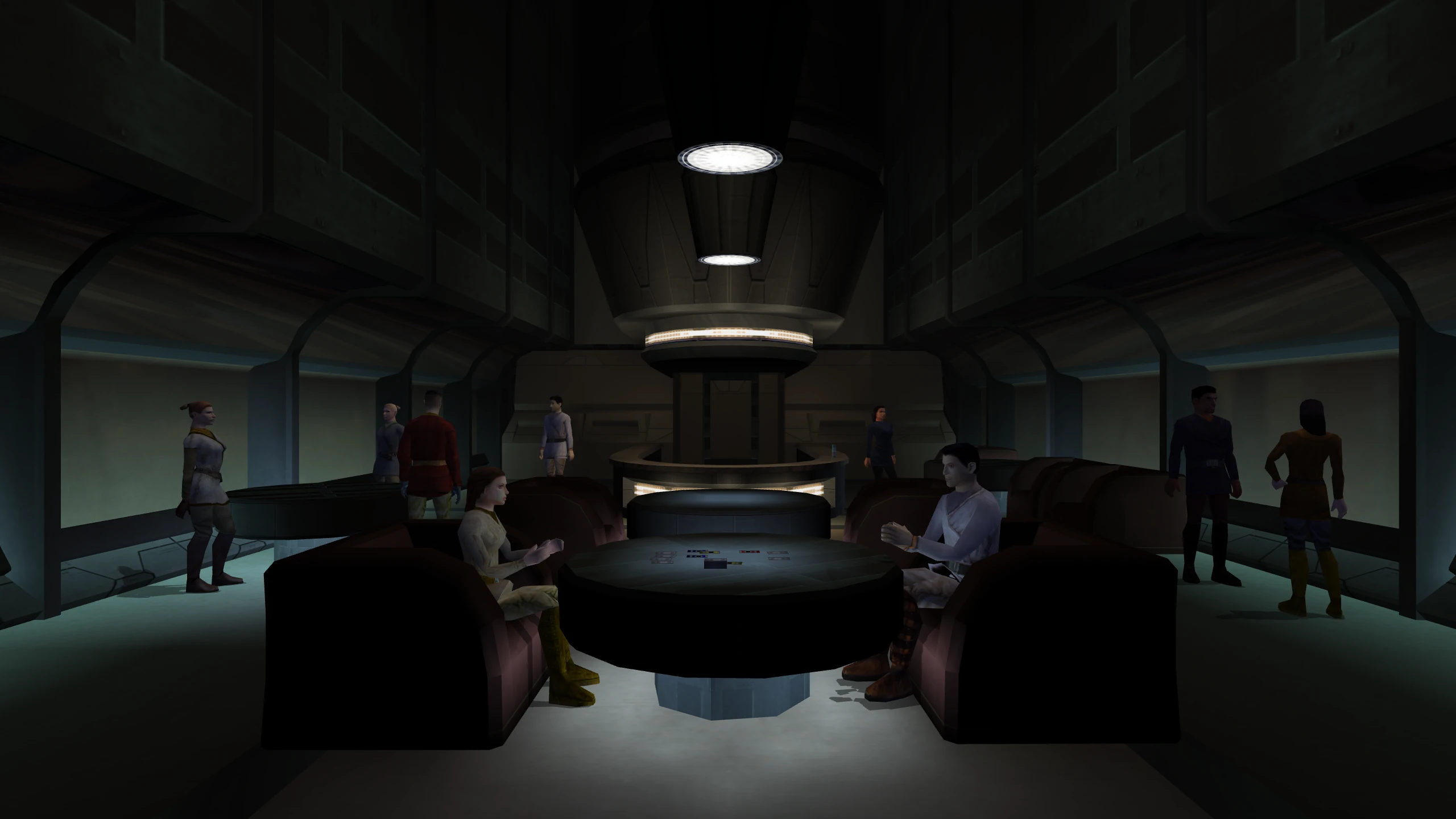
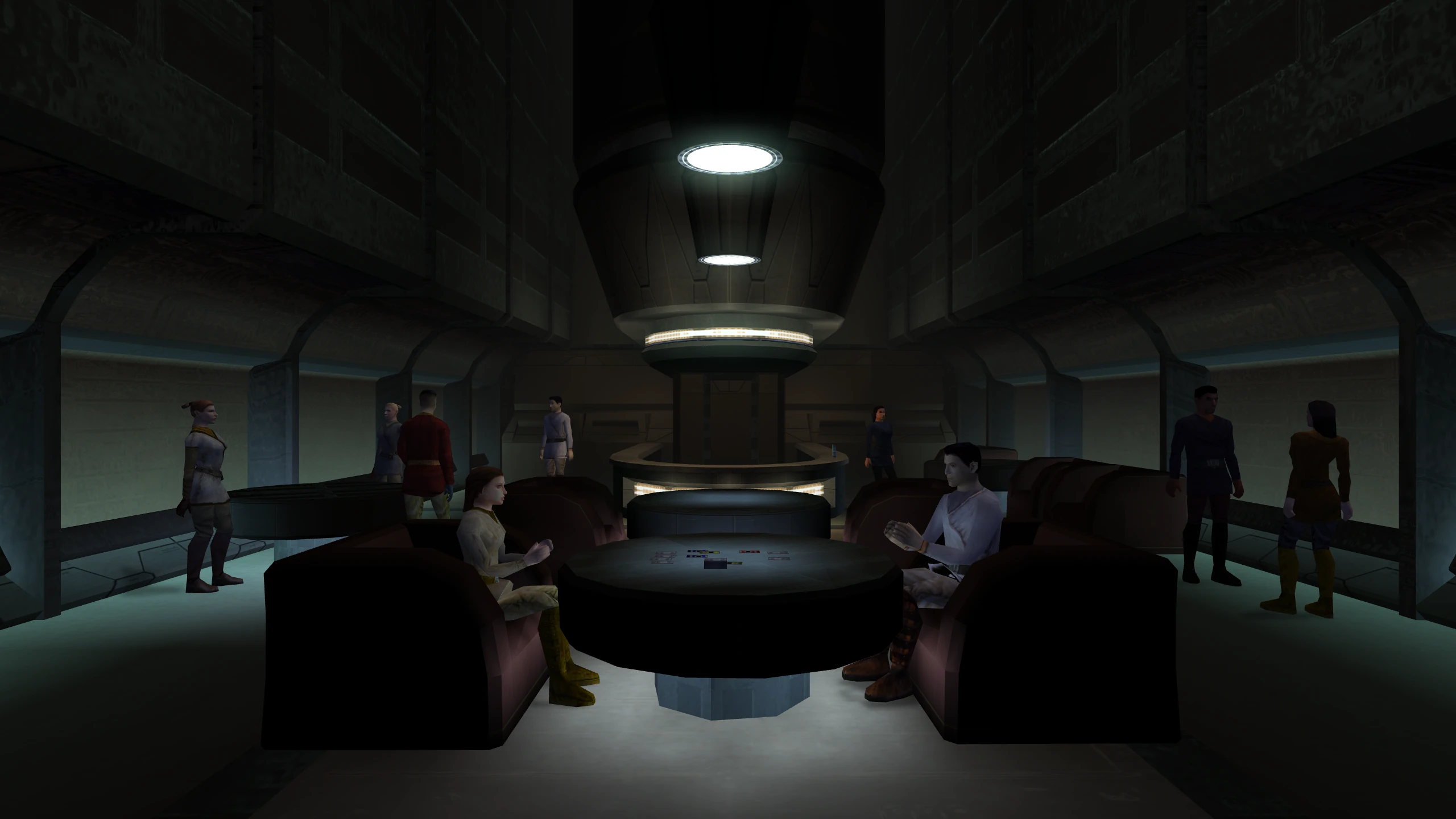
Without the patch: walls and floors show only their lightmap, which is the lighting stored in the level when the level was built. The lights in the room don’t affect them.
Cause: on the path the game uses when it finds neither shading method, the game turns lighting off while it draws a lightmapped surface.
With the patch: the lights in the room add to the lightmap.
Reflections are restored
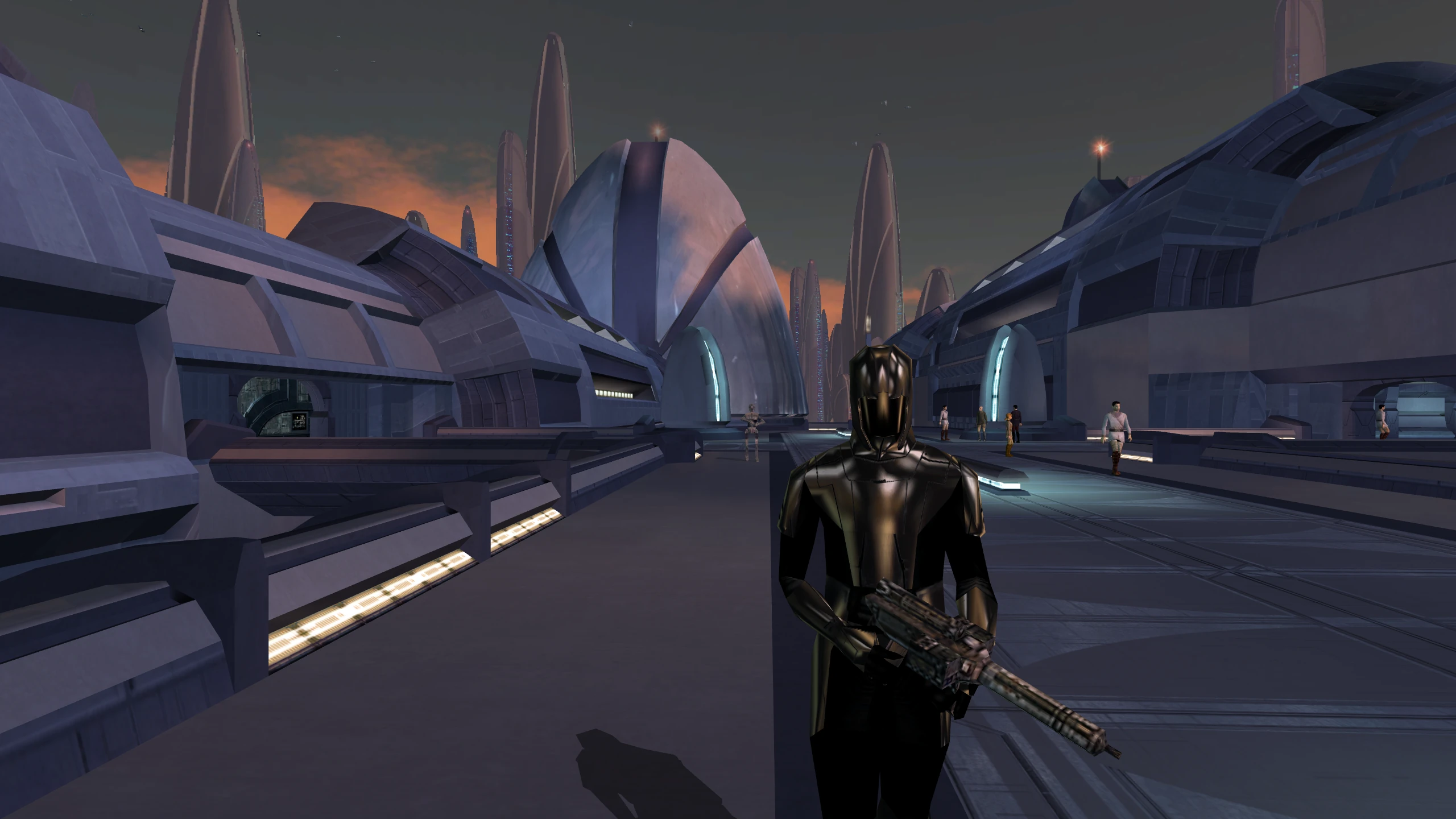
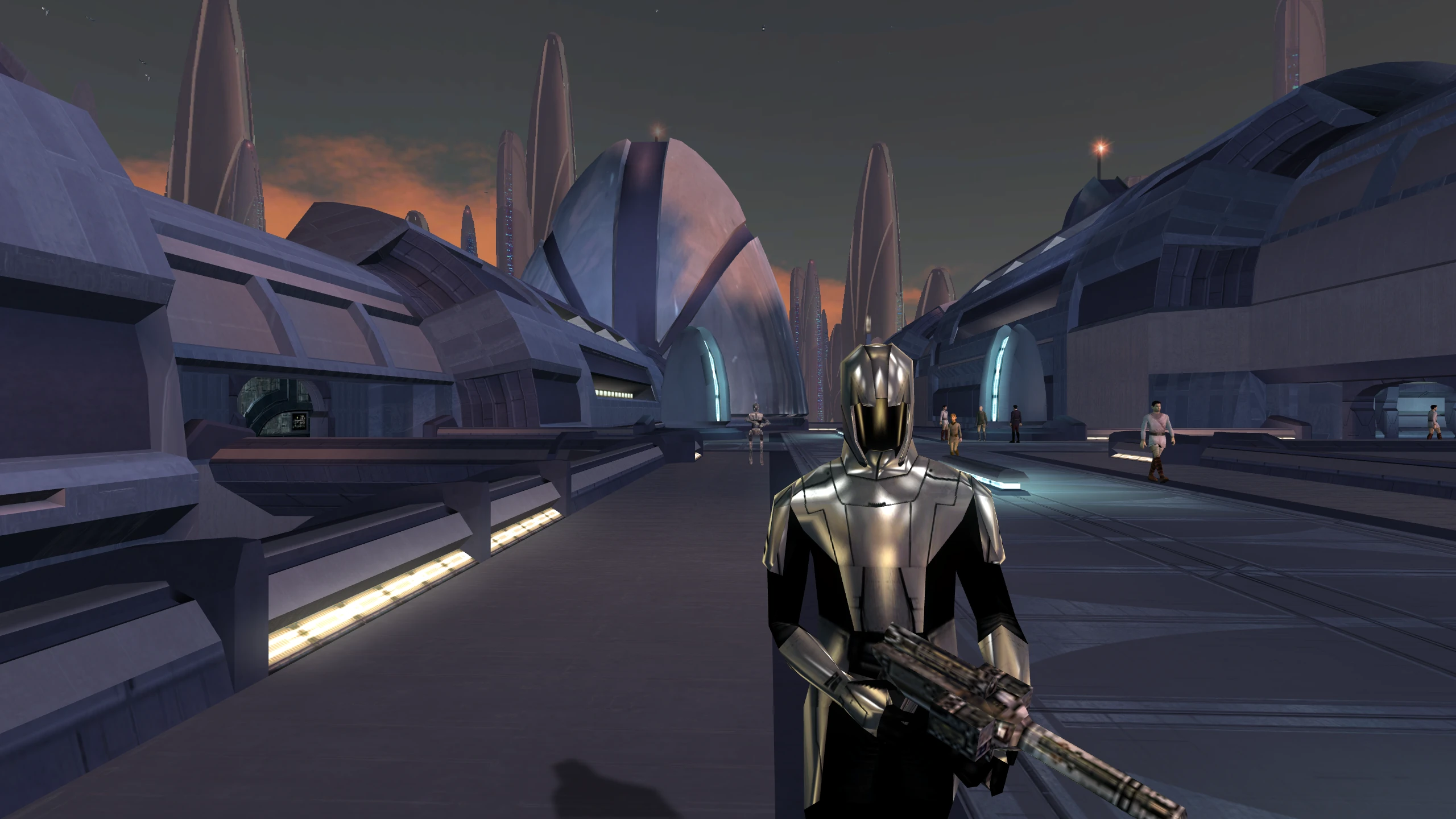
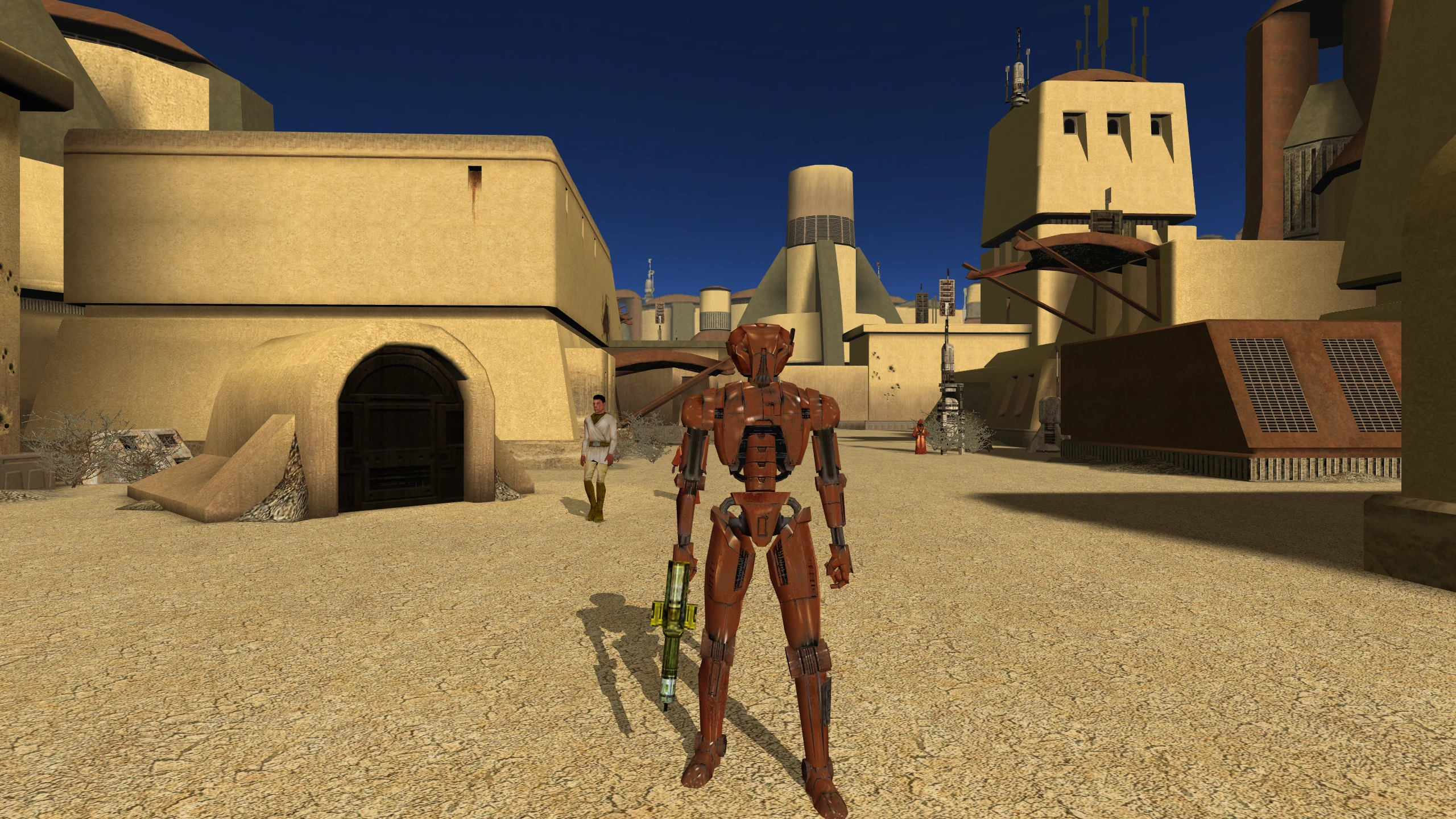
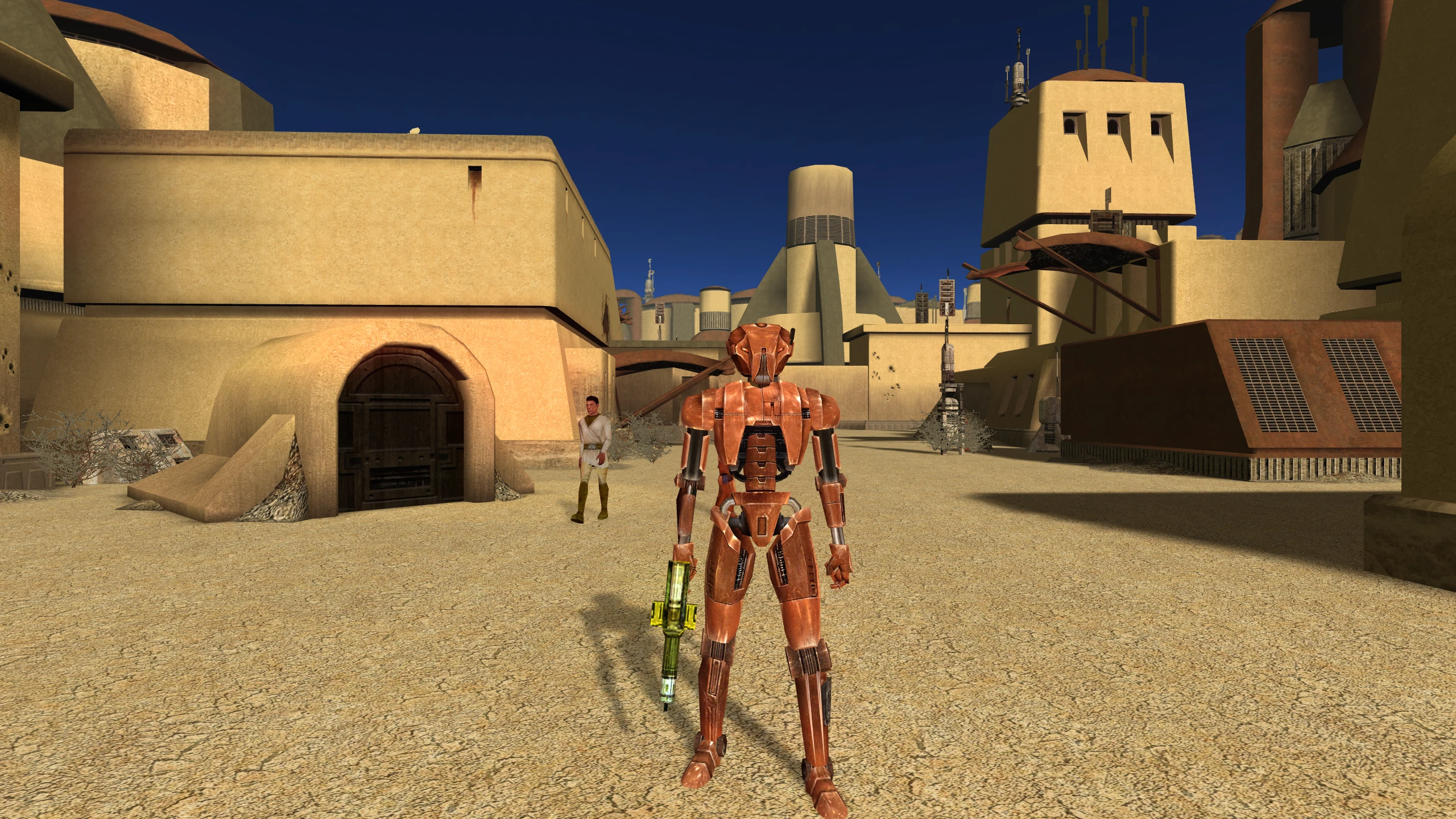
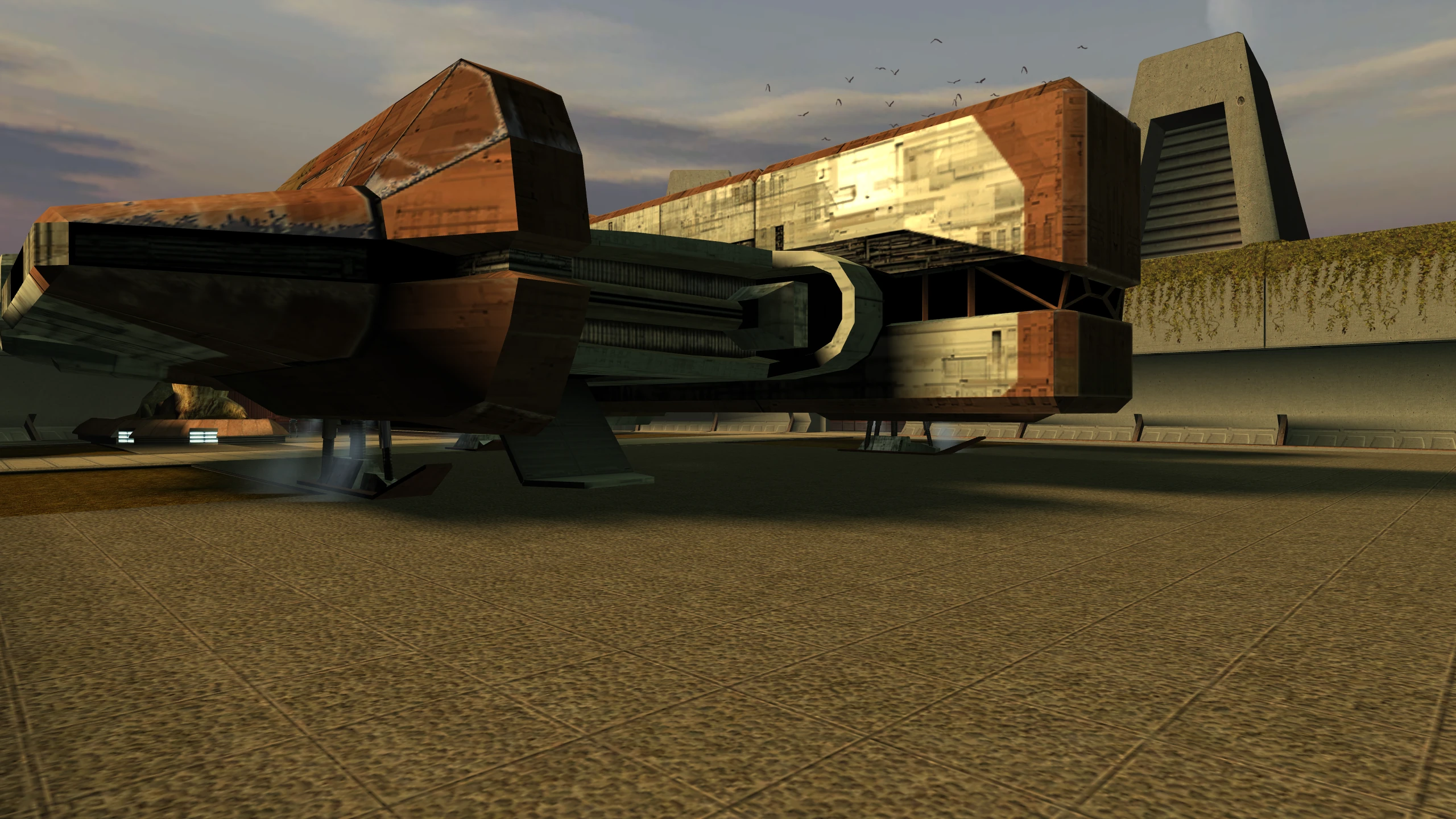
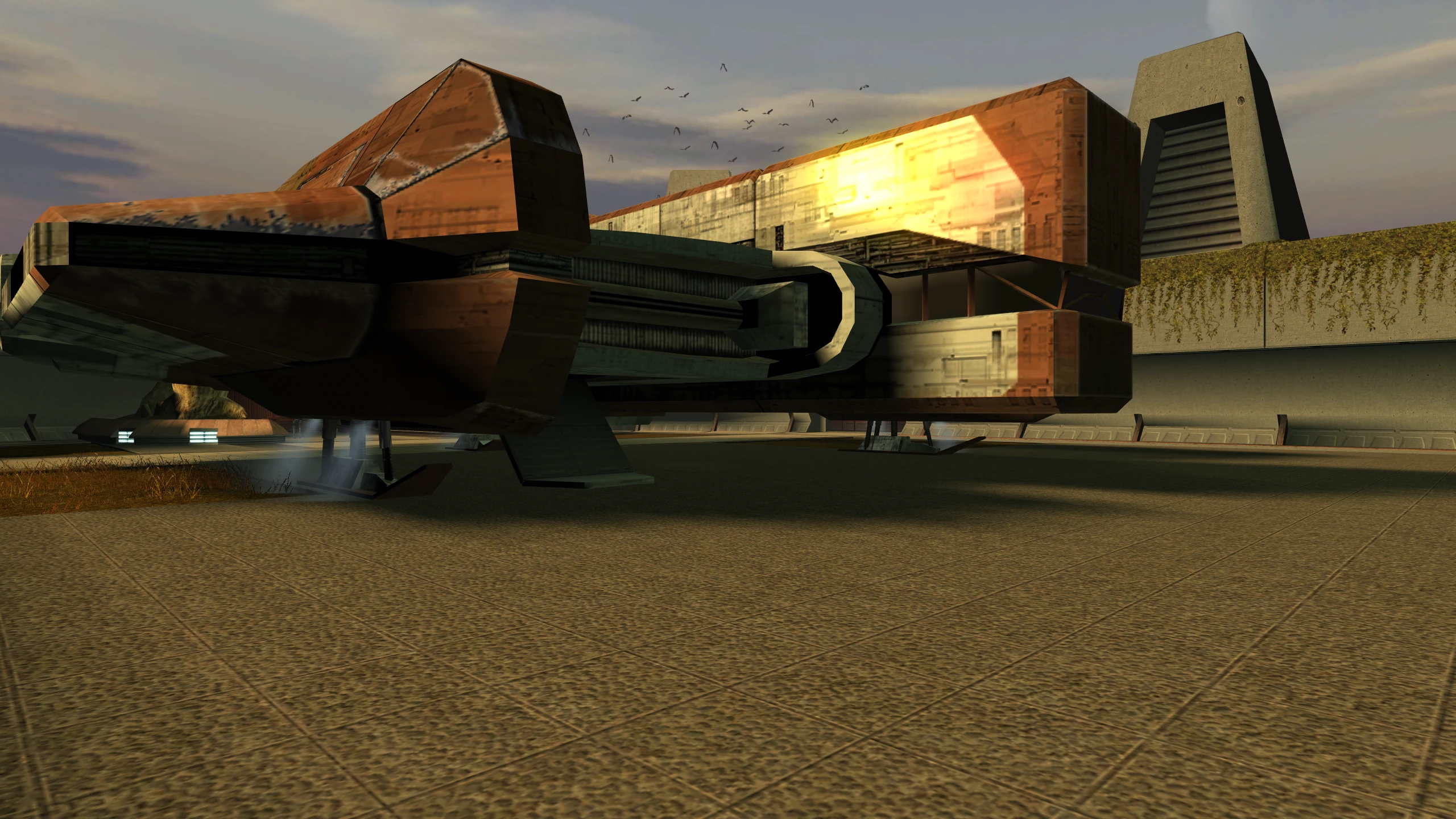
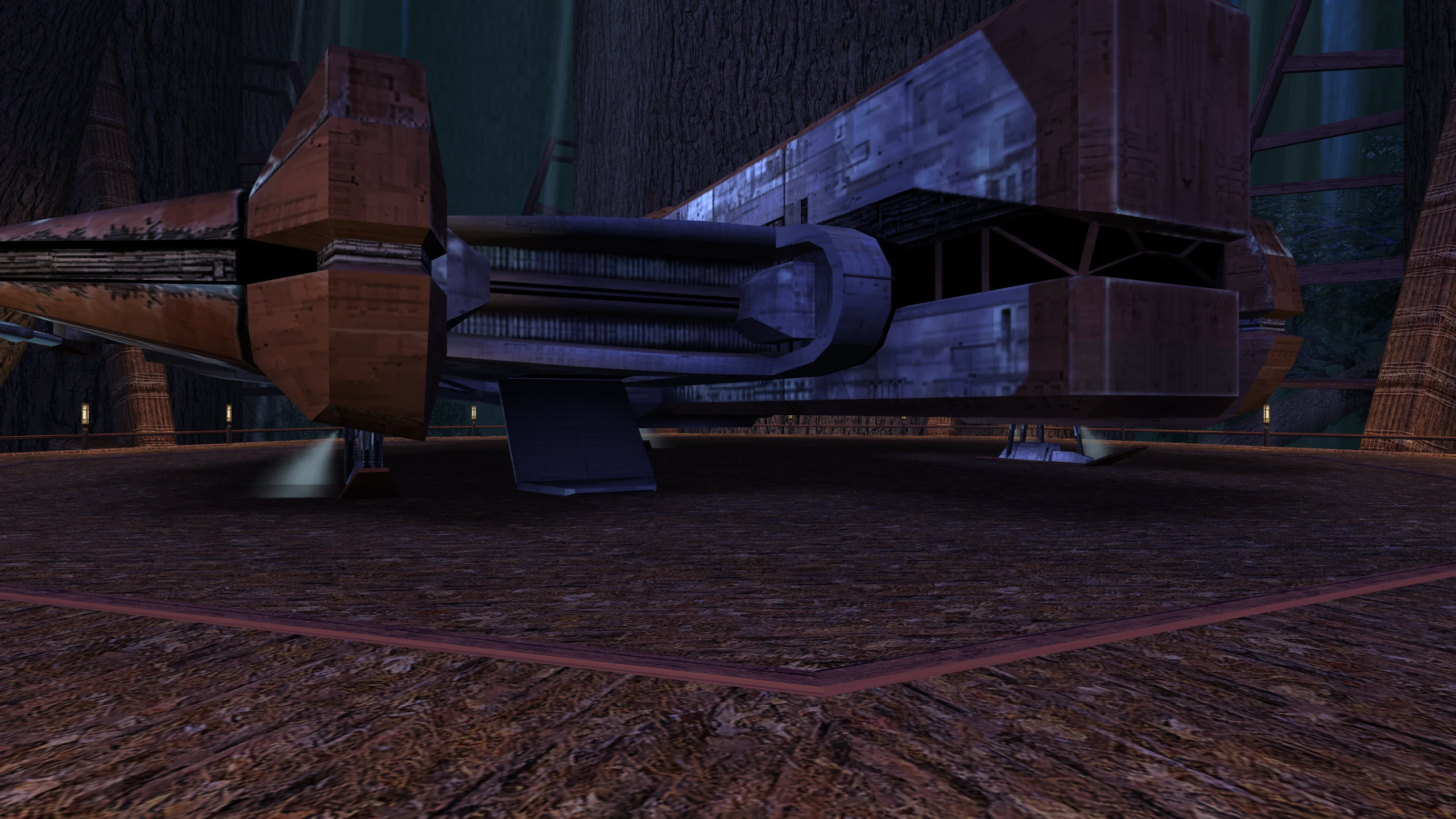
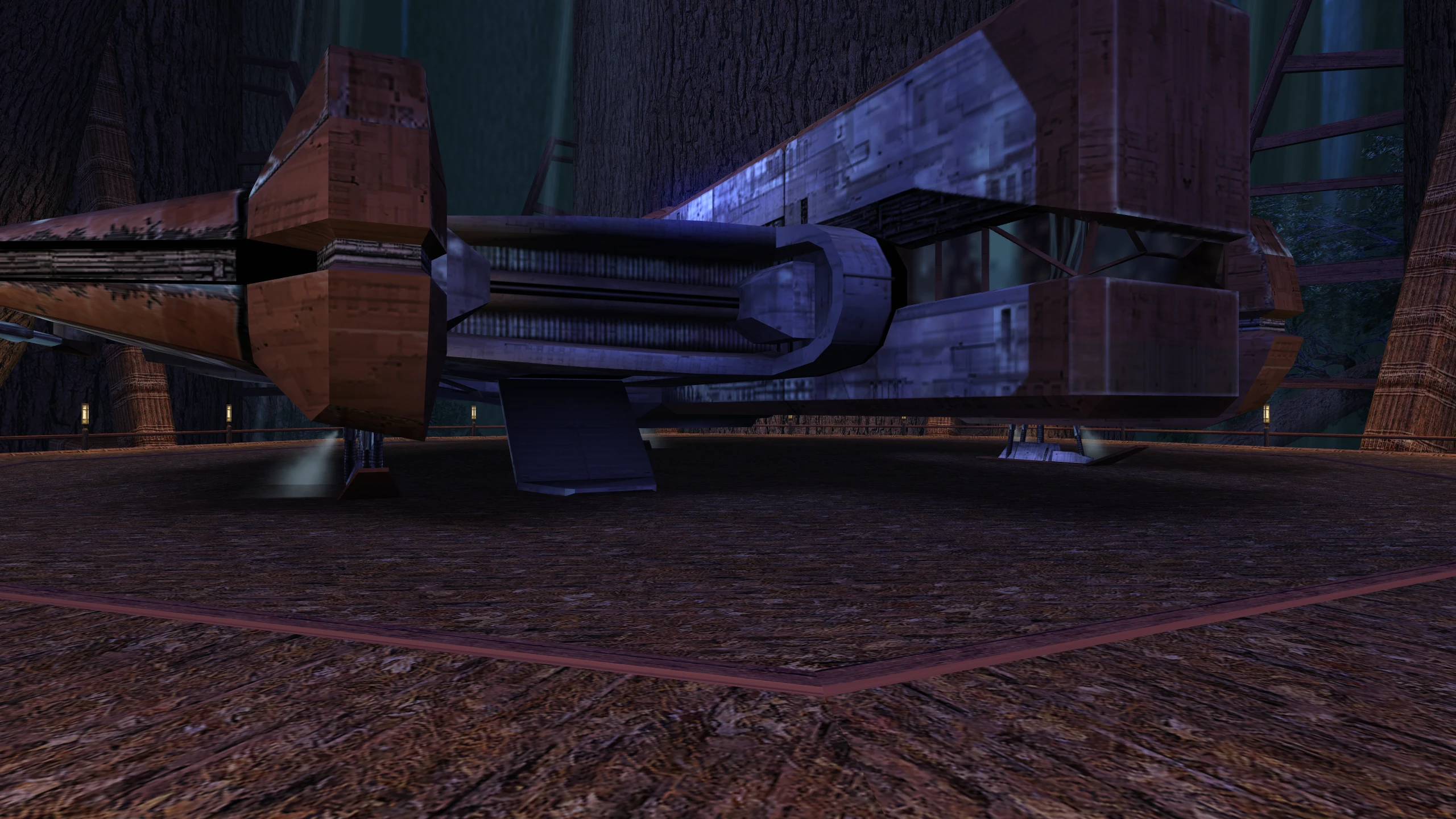
Without the patch: shiny surfaces, such as armour, droids, water, and the Ebon Hawk’s cockpit glass, lose most of their reflection. The Ebon Hawk comparisons in Glow and screen effects appear also show the cockpit glass.
Cause: the game draws its reflections in one pass with one of its two shading methods. On a driver that offers neither, it falls back to an older method that draws each shiny surface twice without per-pixel shading, once for the reflection and once for its texture, and blends the two.
With the patch: the game draws its reflections in one pass on every card.
Cube maps on Intel
On Intel’s Windows driver, the game also loses its best reflections a second way. It draws them
with cube maps, and it looks for cube maps under the name GL_EXT_texture_cube_map. Intel’s
Windows driver lists cube maps only as GL_ARB_texture_cube_map, which is the same feature under
a newer name. The game concludes that the card has no cube maps and uses sphere maps, an older
and simpler kind of reflection.
The patch makes the game look for the newer name, which Intel’s driver lists, and which Mesa also lists. Mesa lists the older name too, so the comparisons on this page, which were taken on Mesa, don’t show this fix.
Technical details
RenderEnvironmentMapped dispatches modes 0x13 and 0x14 only when
AurOnePassEnvMapAvailable returns true, which requires AurBumpMapAvailable. Otherwise it
draws the surface twice through the fixed function stage: once with the environment map and
generated texture coordinates, and once with the material’s own texture, blending the two passes.
environmentMapDest chooses which pass comes first and how they blend.
Creatures get bump lighting
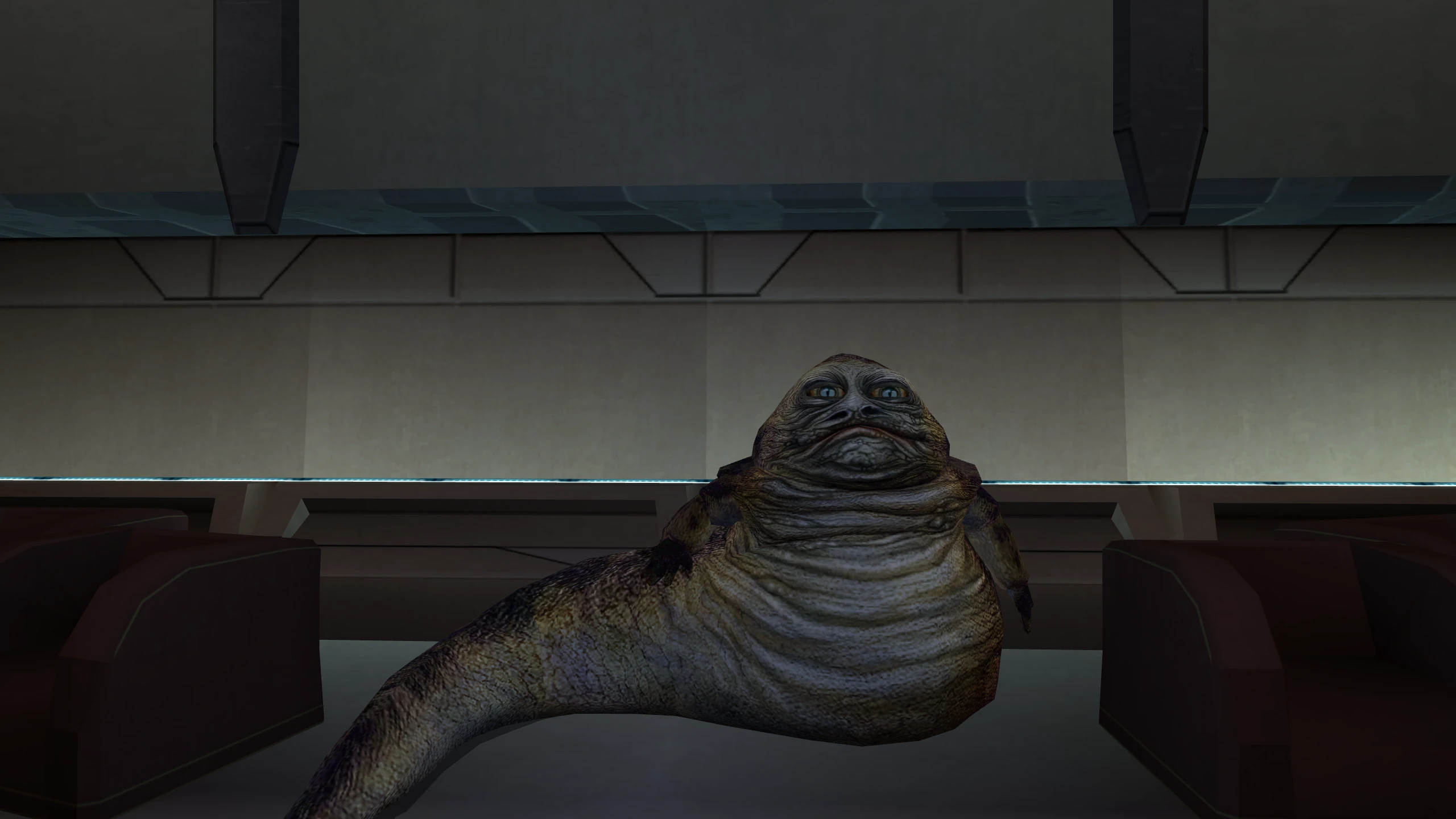
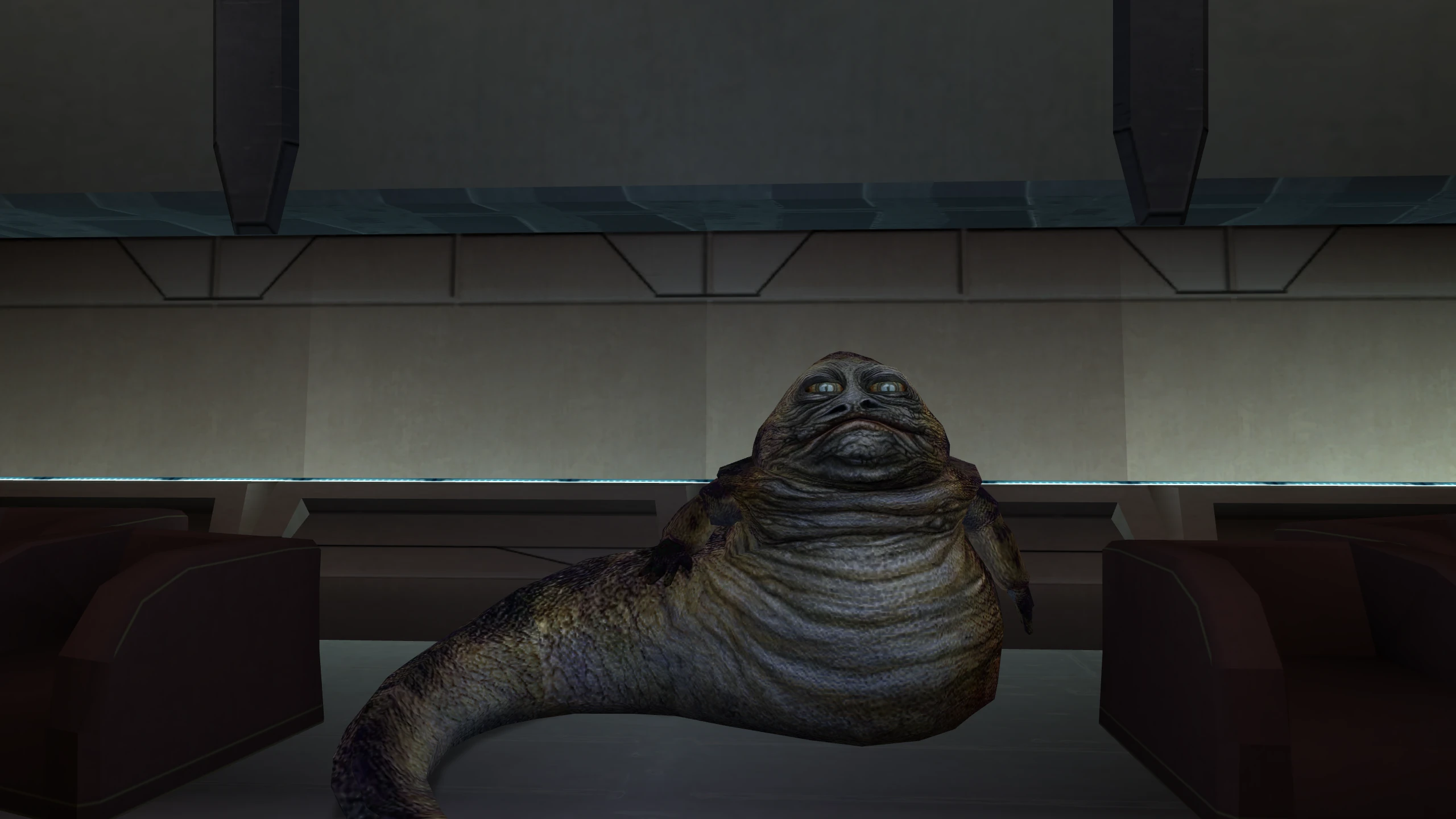
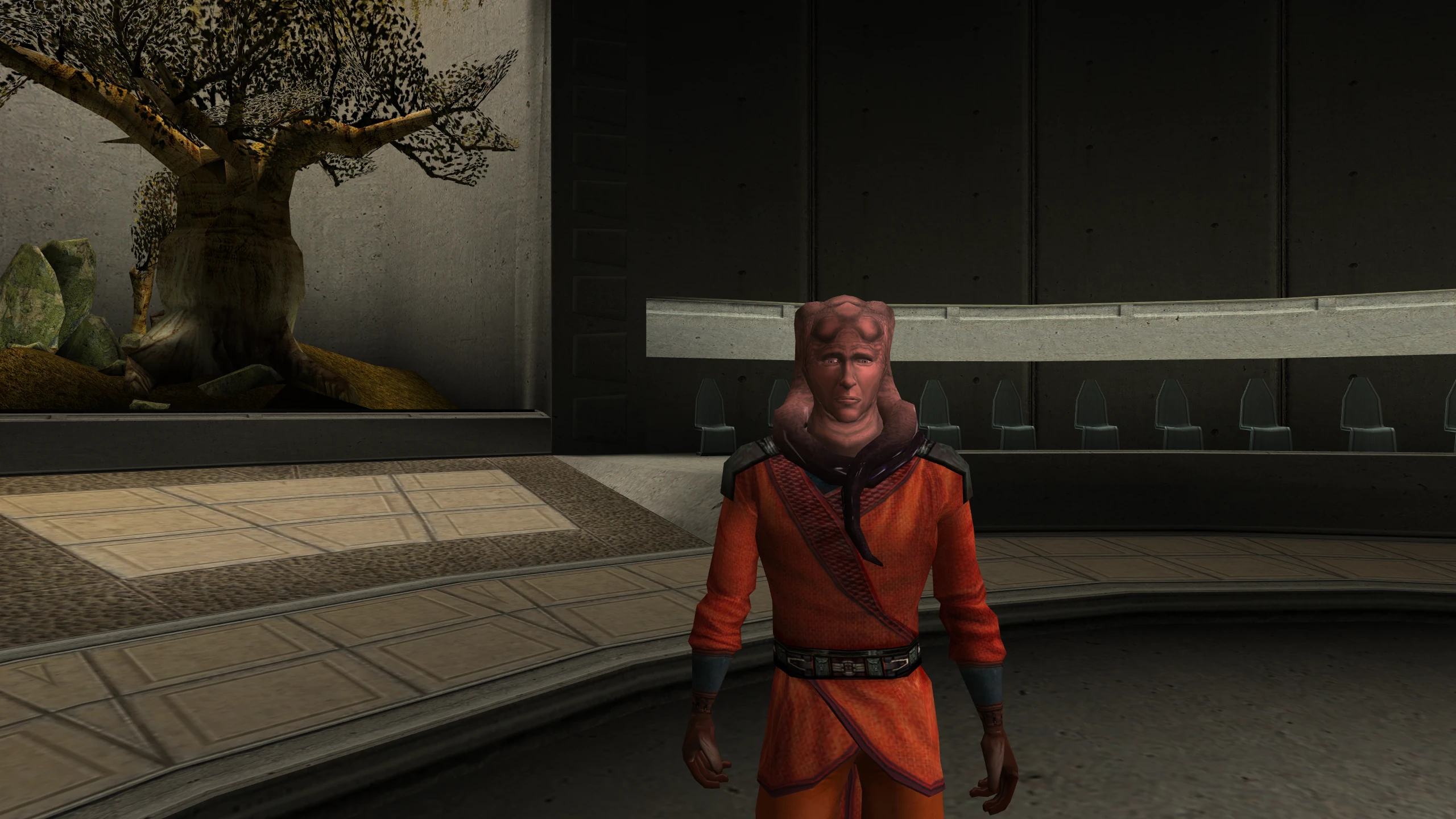
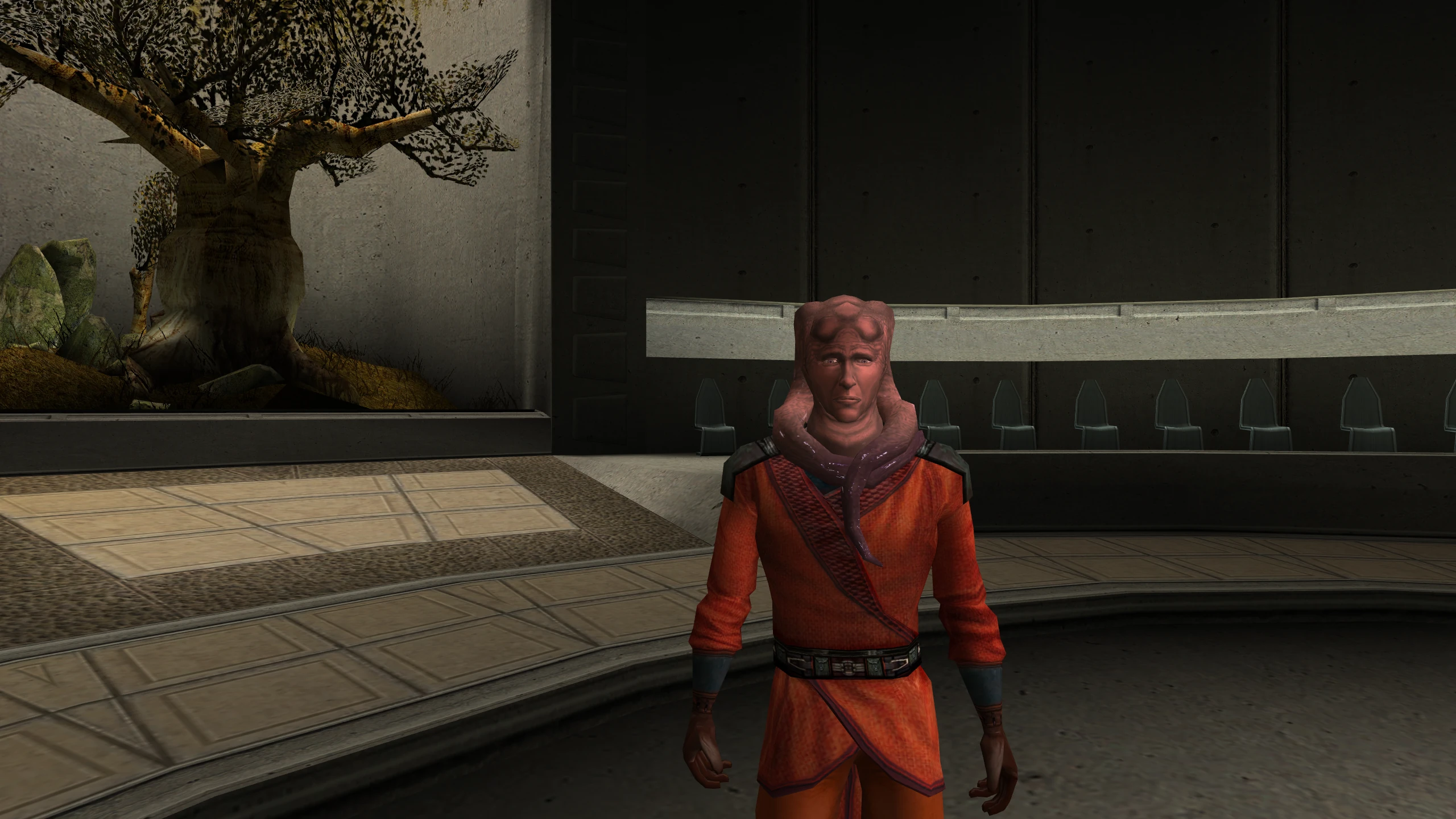
Without the patch: bump mapped creatures, such as the Hutts, are drawn without per-pixel lighting.
Cause: bump lighting lights each point of a surface according to the direction that point faces, which a bump map stores. It needs per-pixel shading, so on a driver that offers neither of the game’s methods, the game draws no bump lighting at all. Even with a method, the game draws the Hutts and the Rancor with bump lighting only when it uses NVIDIA’s. On every other card, including ATI’s, it skips that branch.
With the patch: the game takes that branch on every card. While one of these creatures fades out, the patch sends it down the game’s plain branch instead, because the bump branches can’t fade.
Lighting for mods works
Without the patch: on every card, NVIDIA’s included, three of the game’s lighting routes don’t work: bump lighting on lightmapped surfaces, normal maps, and reflective skins with a flat reflection map. The shipped game barely uses them, but mods can.
Cause: bugs in the game. The first and third use vertex programs that no driver accepts in the form the game builds them, so those surfaces draw nothing. The switch for normal maps is compiled to always answer no, and the game loads TGA normal maps with two colour channels swapped.
With the patch: all three work. For details, see How the patch works.
Shadows are soft
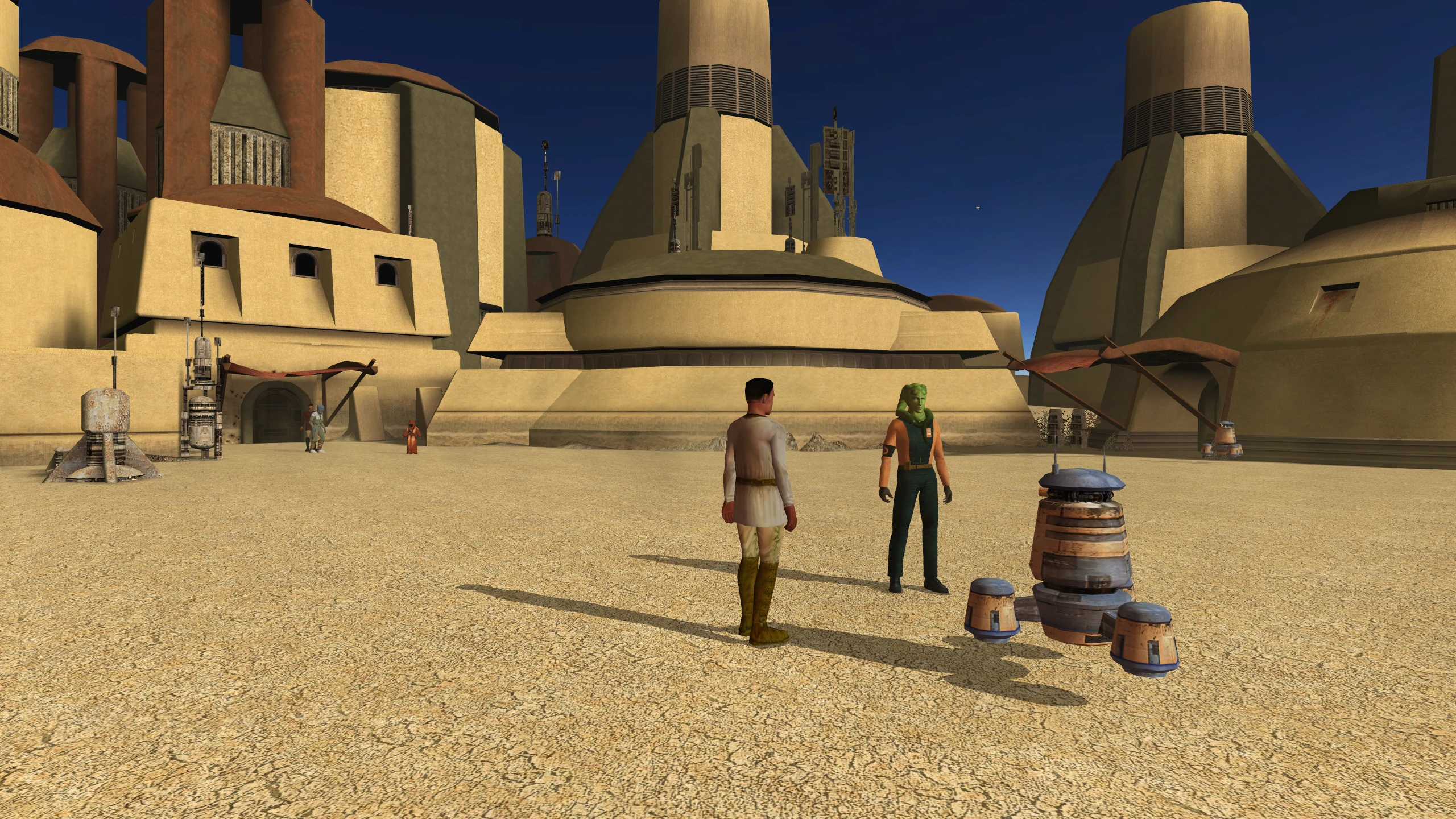
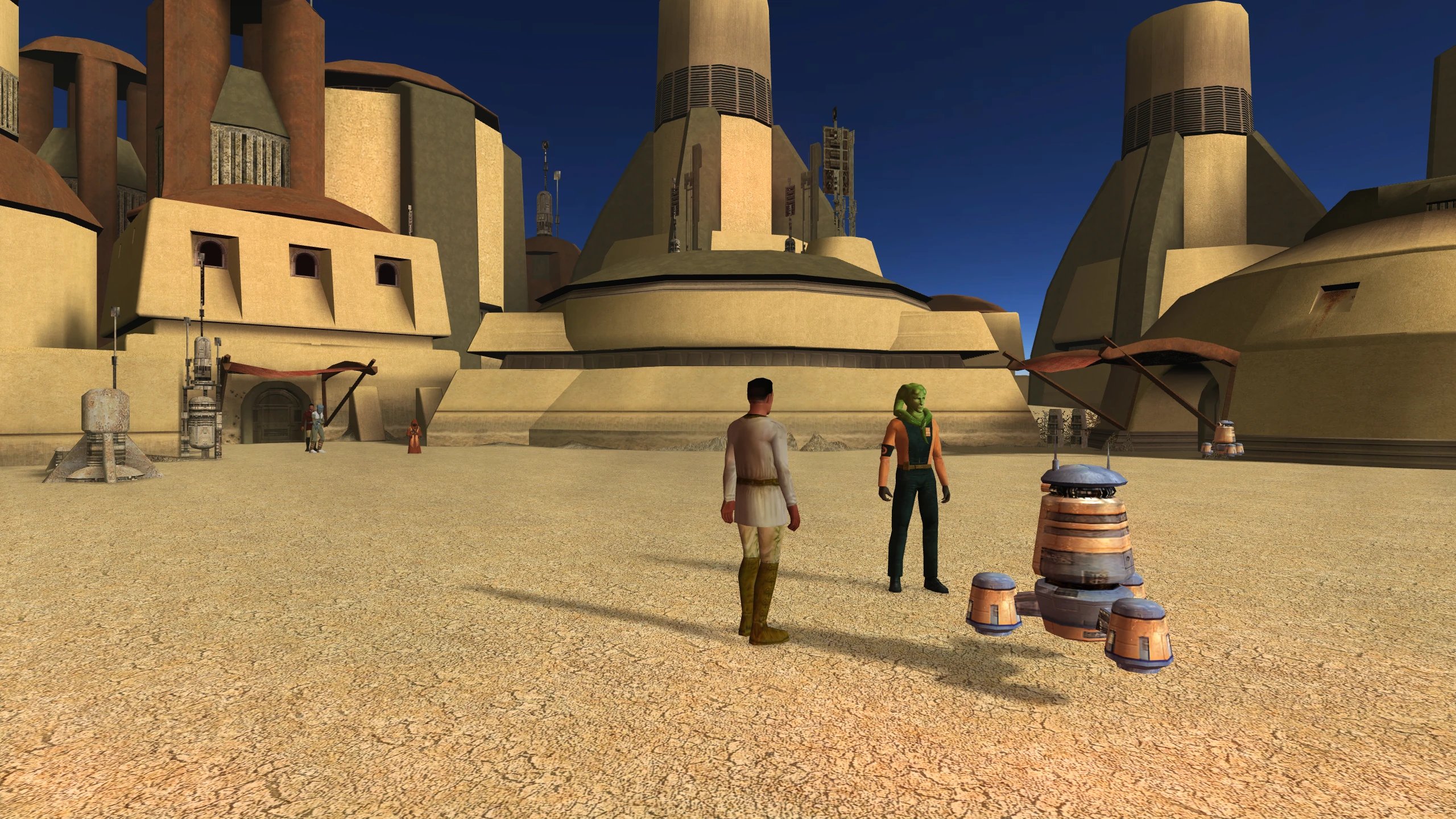
Without the patch: shadows have hard edges.
Cause: the game softens shadows by drawing them into an image off screen and blurring that image. It does this only when it uses one of its two shading methods. A separate check in the game also keeps soft shadows off unless the game’s own settings file allows them.
With the patch: soft shadows work on every card whose driver offers framebuffer objects, and the separate check no longer blocks them.
Glow and screen effects appear
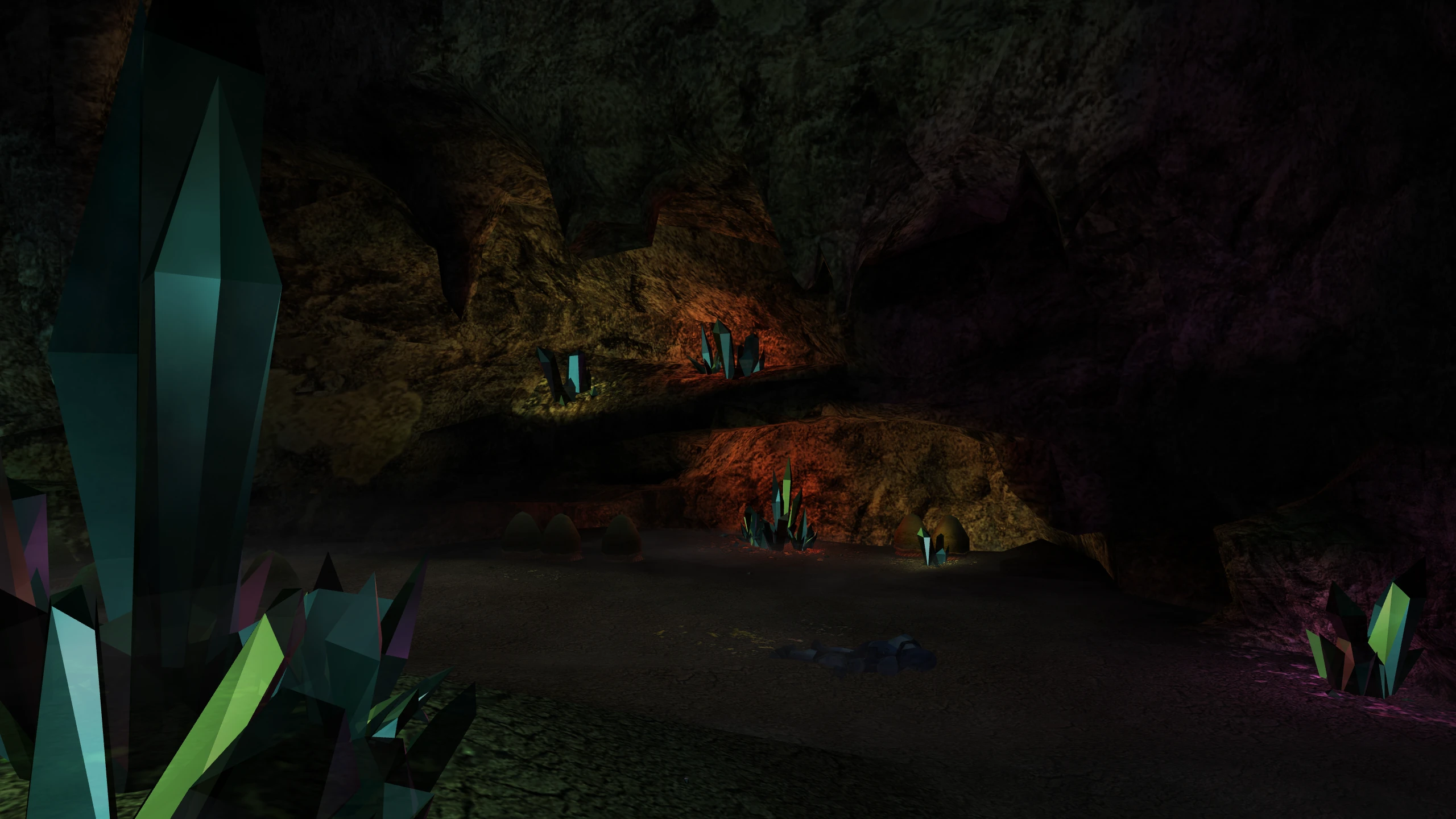
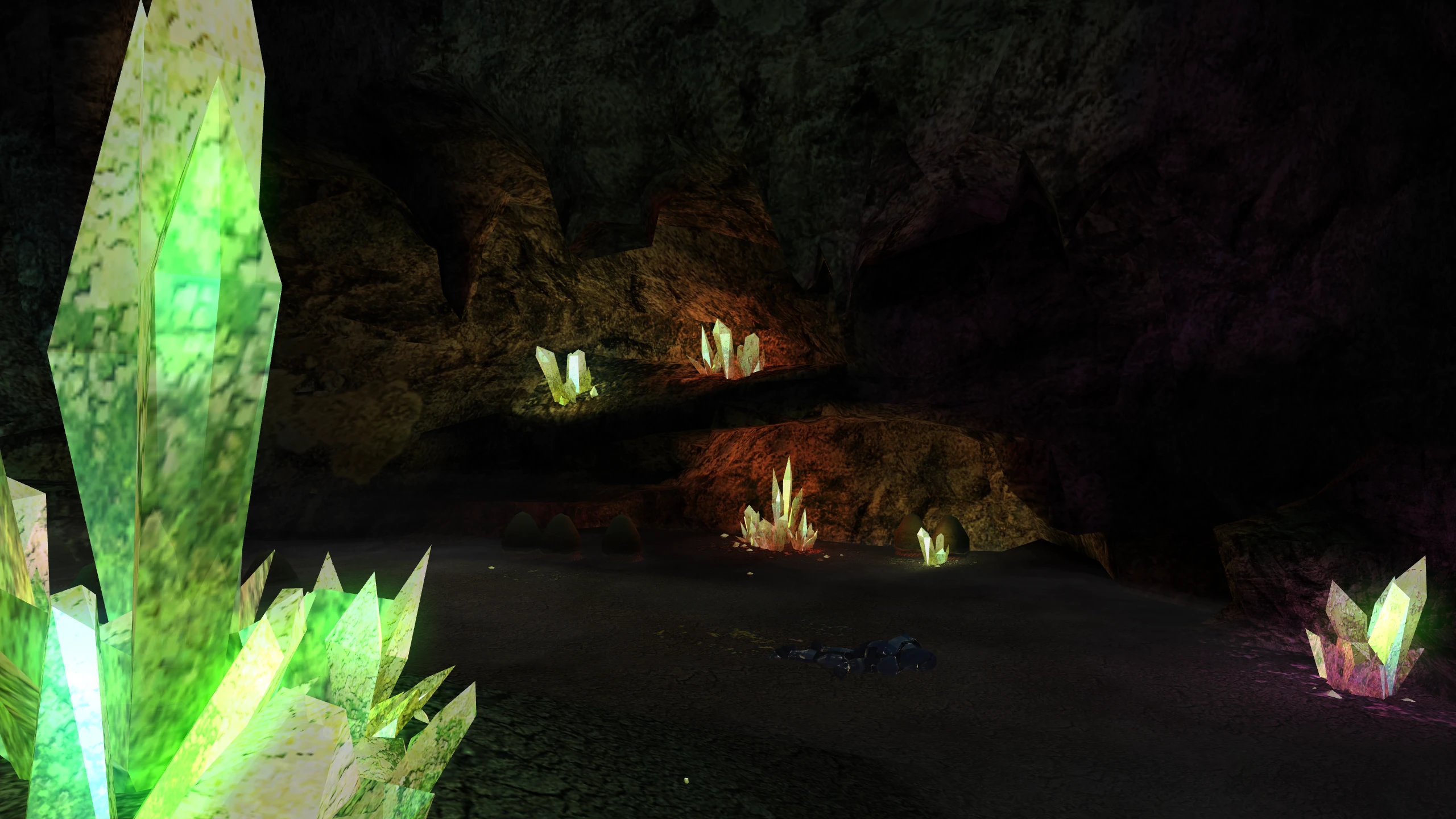
Without the patch: bright lights have no glow, and the game shows none of its screen effects: motion blur, film grain, the distortion around Force powers.
Cause: the game draws these effects into images off screen, the same way it draws soft shadows, and it does this only when it uses one of its two shading methods.
With the patch: the effects draw on every card whose driver offers framebuffer objects.
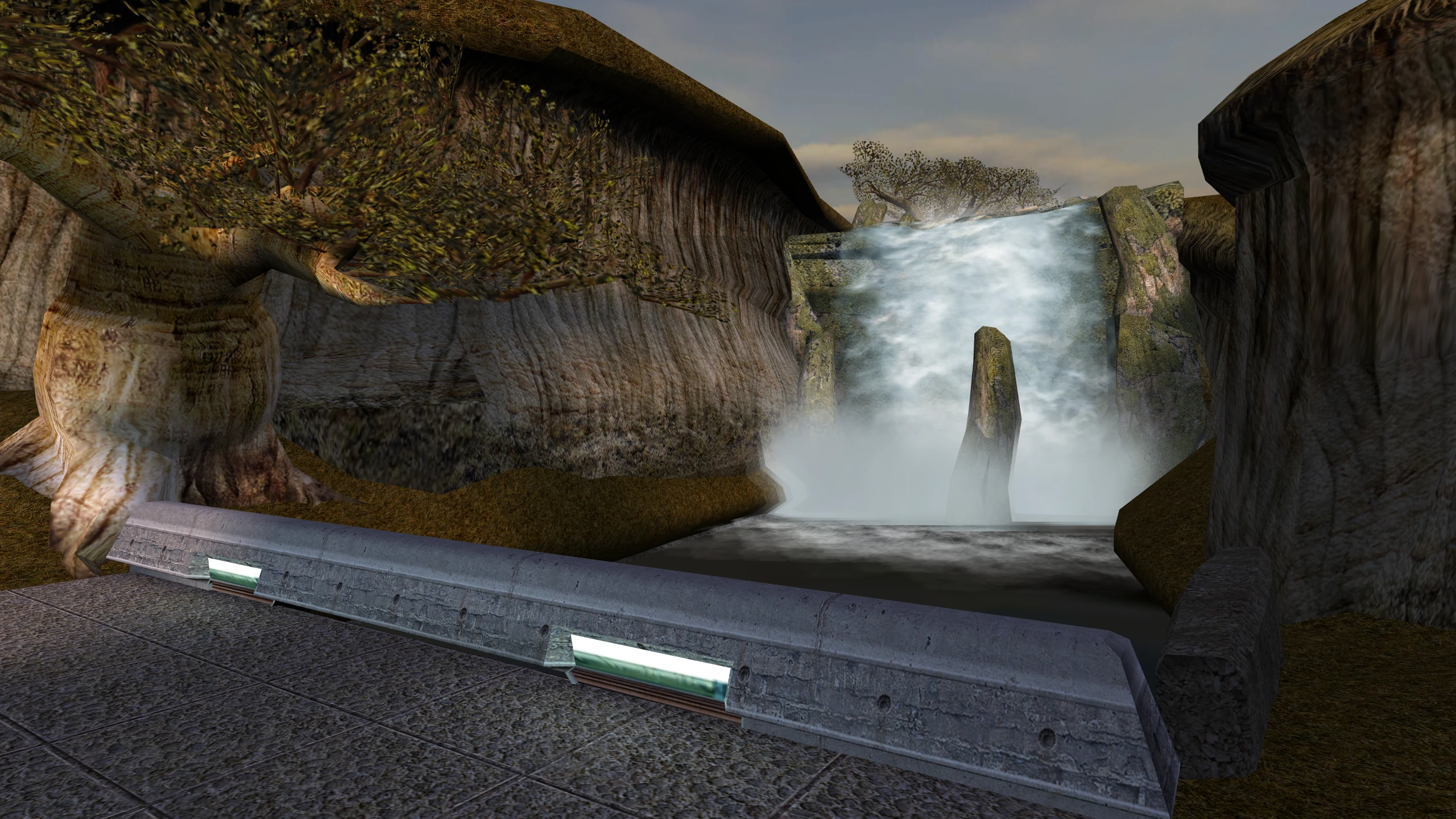
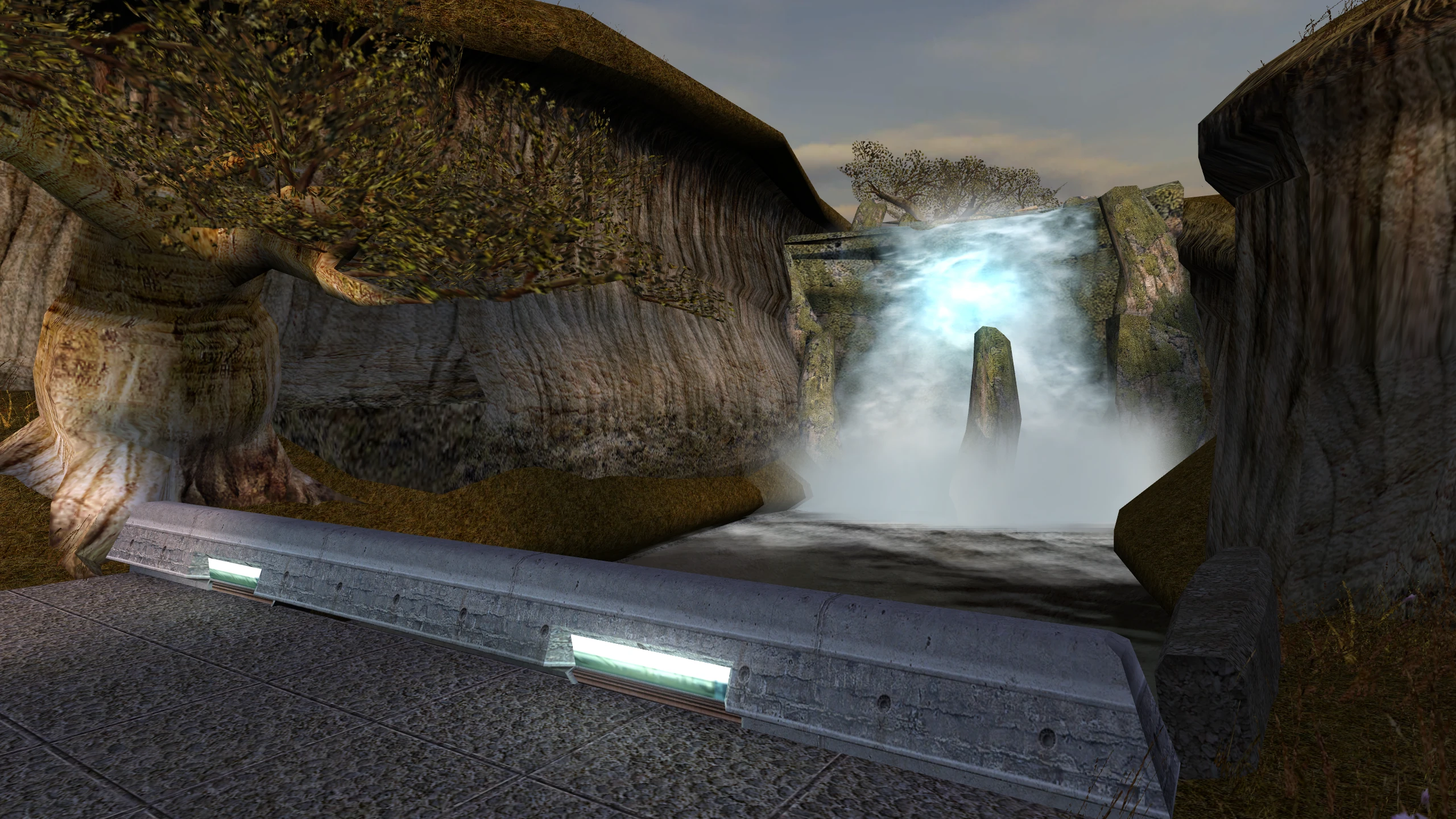
Glow and soft shadows hold still
Without the patch: on every card that draws them, the glow around lights and the edges of soft shadows flicker as the camera moves. The flicker is worse at higher resolutions, and small lights can lose their glow entirely.
Cause: to draw the glow and the soft shadows, the game first shrinks the whole screen into a small square. It does this by reading a scattered sample of the screen’s pixels, and the larger the screen, the more pixels it skips. As the camera moves, a small light or the edge of a shadow moves in and out of the sampled pixels.
With the patch: the patch shrinks the screen with a filter that takes every pixel into account, so the glow and the shadows stay steady at every resolution.
The brightness slider works
Without the patch: on some drivers, moving the brightness slider has no effect.
Cause: the game applies brightness by asking the display to use a brightness curve. A driver is allowed to refuse that request, and NVIDIA’s Windows driver refuses it.
With the patch: the patch applies the game’s brightness curve to the picture itself, including in cutscenes.